Patryk Korzeniowski
TL;DR
The decision whether to fix a website or rewrite it from scratch comes down to three things: the state of the code, the age of the framework, and the design of the database. If the code has TypeScript, an up-to-date framework, and a sensible database, fixing is cheaper and faster. If everything has to start from scratch, it pays to plan it properly, in chunks shorter than three months, ideally using the Strangler Pattern.
The rest of this article covers what we see in code most often, which problems are still relevant in 2026, what the decision framework looks like, and two specific examples from our portfolio.
Why this article exists
Every few weeks we talk to someone who hired a freelancer to build a website. Sometimes through a job board, sometimes a referral, sometimes a friend who codes after hours. In most cases, several months or more have passed before they reach out, and the client realizes something is off: Google is not indexing the pages, loading takes six seconds on mobile, the contact form does not deliver emails, and the person who built the site has stopped answering messages.
This article is an attempt to gather, in one place, what we take away from those conversations and from migrations we have completed so far. We treat it more as an industry observation report than as sales material. The goal is to let someone in an identical situation quickly assess where they stand and make a sensible decision before spending twice as much as they have to.
Two specific examples we will lean on are introduced later: Fundacja Instytut Profilaktyki Zakażeń (a Polish non-profit running the Centrum Medycyny Zapobiegawczej i Rehabilitacji medical clinic) and Fundacja Znajdki, an animal shelter foundation. Both came to us in the classic "abandoned project" situation, and both show what this kind of migration takes in practice.
What we usually find
The list is not exhaustive and every story has its own nuances. Still, when a client comes asking us to assess a website built by a freelancer, at least three of the following points usually come up together.
1. WordPress that no longer keeps up
WordPress in 2010 was a revolution: anyone could put up a website over a weekend, without a developer. The same advantage, twenty years later, is often a drawback.
The reason is simple. Today, WordPress is no longer the fastest way to a finished website. An AI assistant in Cursor or Claude Code can spin up a Next.js application with TypeScript, authentication, a contact form, dark mode, basic accessibility, and deployment to your own server within hours. What used to take WordPress and its ten plugins two weeks now takes one day of work, with clean code that can actually be read and maintained.
The second issue is bloat. A classic WordPress installation that has not been looked after for a few years usually looks like this: thirty plugins (six SEO ones, three caching ones, two contact form ones, each wanting to be the most important), a theme from the marketplace, an Elementor-style page builder, everything loading in a single wave, every request hitting PHP and the database, the cache breaking after the second admin login. Mobile PageSpeed shows forty, LCP seven seconds, Core Web Vitals failing.
The third thing, increasingly important in 2026: WordPress does not play well with modern AI tooling. It is not that there are no ChatGPT plugins for it (there are dozens). It is that its monolithic, PHP-based architecture cannot expose itself the way today's AI agents, edge functions, and API-side typing expect. AI crawlers like GPTBot, ClaudeBot, or Perplexity, when faced with a heavy WordPress site full of plugin JavaScript, see a fragment of content or nothing at all.
WordPress still works and is still a reasonable choice. For a blog with two posts a month or a simple statutory page, it is fine. The trouble starts where scale, dynamics, integrations, or AI-driven visibility enter the picture. Then every additional plugin becomes technical debt that someone will eventually pay off.
2. Code nobody understands
A new problem in 2026. The contractor pastes code suggested by an AI assistant and does not check what it actually does. The result is characteristic: three libraries doing the same thing, inconsistent naming, fragments of code from a completely different stack, "TODO: finish later" comments. The site works as long as nobody tries to change it. When the client asks for a small fix, it turns out that changing one place breaks three others.
3. No type safety
In 2026, four out of five frontend projects use TypeScript. The lack of types is a red flag visible from a distance. Without typing, every change is a lottery: rename a field in the API and three places in the application break, because nobody knew those places used it. Half-typed TypeScript is also problematic, because one stray "any" in the right place is enough to unravel the entire type net.
4. Auth written from scratch
Login built without a proven, ready-made solution (Supabase Auth, Auth.js, Clerk). No rate limiting on auth endpoints, passwords stored without an up-to-date hashing algorithm, password recovery via "send a new password to the email" with no time-limited tokens. The category of bugs that ends with a GDPR incident if anyone outside takes a careful look.
5. Database migrations in production
No tooling for schema migrations. Changes done by hand in phpMyAdmin or directly in psql on the production server. Development and production environments end up in different states. Every new feature requires manual synchronization, and every few deployments something drifts apart.
Other, briefly
Each story also includes one or several of the following: secrets in the git repository (API keys, SMTP passwords in plain text), no monitoring (production errors discovered through a customer phone call), no accessibility (forms without labels, contrast below WCAG AA), unsecured APIs (endpoints without authorization, no rate limiting), a privacy policy copied from another site without checking whether it matches actual practices.
Fix or rebuild from scratch
This is the hardest decision in the whole process. Before deciding intuitively, it pays to know the arguments on both sides.
The case for fixing
The classic argument against rewriting from scratch comes from Joel Spolsky, co-founder of Stack Overflow. In 2000 he wrote that Netscape, by deciding to rewrite the browser from the ground up, gave the competition three years for free. Three strong points on the side of fixing:
- Old code contains hundreds of small fixes for real bugs that are documented nowhere. You throw out the code, you throw out that knowledge.
- Code is harder to read than to write. Just because it looks bad does not mean it is bad.
- During a rewrite, you cannot develop the product. The competition gets ahead.
The case for rewriting
Spolsky wrote this a quarter of a century ago, before open source at the scale we know today, before ready-made building blocks like Supabase, Auth.js, or Sanity, before free managed databases. In practice today, rewriting often comes out cheaper than maintaining old code, if that code really is bad enough that every change breaks something else.
The most important point: rewriting does not have to be a big bang. The proven pattern is the Strangler Pattern, named after the strangler fig tree. The new system stands next to the old one, and traffic is redirected one route at a time. When everything has been moved, the old server gets switched off. No big day on which everything has to work at once.
When to fix, when to rewrite
Fix, if:
- TypeScript is in use, even partially.
- The framework is current (React 18+, Node 20+, Next.js 14+).
- The database is sensible, relational, with any kind of migration system.
- Problems are localized (SEO, performance, one specific module).
- The code is under thirty thousand lines and readable.
- The author of the code is reachable, or there is reasonable documentation.
Rewrite from scratch, if:
- JavaScript without TypeScript, over fifteen thousand lines.
- WordPress with thirty plus plugins fighting each other.
- A framework older than five years (AngularJS, jQuery SPA, Backbone).
- No tests, no documentation, no contact with the author.
- Hardcoded secrets in git history, no authorization, OWASP Top 10 vulnerabilities.
- A database without migrations, without normalization, SELECT star everywhere.
- Every change requires touching five unrelated functions.
The most common healthy scenario is a hybrid: you start with an audit, decide what to rewrite and what to fix, and do it in stages. The budget is lower than a big bang, the timeline longer, but the risk of stopping the business is practically zero.
What this looks like in practice
Two specific examples from our portfolio. Both different, both showing a different side of the same problem.
Centrum Medycyny Zapobiegawczej i Rehabilitacji
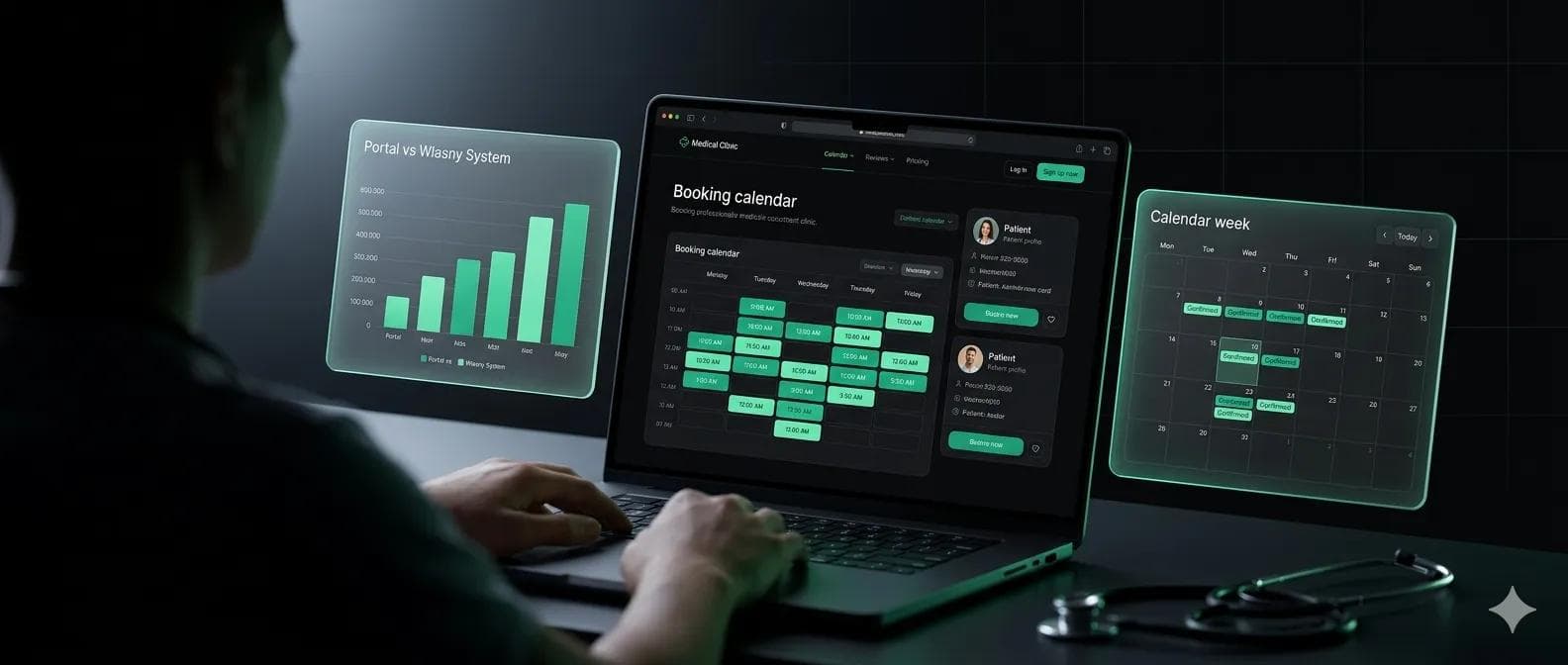
Centrum Medycyny Zapobiegawczej i Rehabilitacji is a medical clinic operated by Fundacja Instytut Profilaktyki Zakażeń, a Polish non-profit foundation. The foundation reached out to us in a situation we know from dozens of conversations with non-profits: the clinic's website ran on WordPress, was unfinished, had no SSL certificate, and the freelancer who started working on it had at some point stopped answering messages. This is a frequent scenario, especially on smaller projects: someone takes the job, gets sixty percent of the way through, disappears, and the client is left with code nobody can finish.
The diagnosis was clear. Without SSL you cannot legally collect any data, not even contact data. The unfinished WordPress meant any attempt to edit something risked breaking the site. We built a new website in React with Sanity as the CMS. React provided speed and interactivity, Sanity gave the foundation team a comfortable panel for publishing without having to come back to a developer. SSL from day one, hosting on stable infrastructure, full code handed over to the client in their own repository.
Fundacja Znajdki
Fundacja Znajdki runs animal shelters for dogs and cats. The starting situation was similar to the previous example: an abandoned site after a freelancer, difficulty contacting the original author, and a feeling that nobody would take their project into proper care. Except their need went beyond "we need a website that works".
At the heart of their problem was the economics of fundraising. Every popular crowdfunding platform charges a commission on donations. More importantly, it anonymizes donor data. The foundation could only see the amount and the date, with no contact to the person who made the donation. In practice that meant: no way to thank someone by name, no donor relationship, no community building around the foundation, no chance to follow up at the next campaign. Every donation became a one-off transaction instead of the start of a relationship.
We built a full foundation website in React and Sanity with a built-in donation system based on PayU. Donations go directly to Znajdki's account, with no intermediary and no platform commission. Donor data, in line with GDPR and with clear opt-ins, stays in the foundation's database. The operational result is simple: every złoty goes where it should, and the foundation has a tool to build long-term relationships with the people who want to support them.
What it typically costs
There is no single answer. The price of a migration depends on several things: how many pages and content types there are, what state the database is in, whether there are tests, whether there are integrations with external systems, whether the client already has a team that can do part of the work. Instead of giving specific numbers (which almost always end up disconnected from reality), we will show ranges that we typically work in.
Smaller migration
A business card site, up to five content types, simple structure. Typically two to four weeks of work, with an audit at the start and content migration. This includes a frontend rebuild, a new CMS (usually Sanity), redirects from previous URLs, basic GDPR and WCAG compliance.
Mid-sized migration
E-commerce or a site with a blog, a dozen or so content types, integrations. Six to ten weeks. Here we add database work, category structure, payment system integration, SEO mapping. Part of the project is moving existing customers to the new site without losing Google rankings.
Larger migration
A web application with login, a customer panel, and integrations. Four to six months, in stages. We rarely run this as a single contract, more often we split the project into phases, each with its own budget and something that works at the end of it. The Strangler Pattern in practice: a new module next to the old one, with traffic moved one fragment at a time.
In each of these scenarios, doing an audit before pricing is essential. Without it, the numbers are guesses, and the difference between a well-priced and a badly-priced project is often sixty percent of the budget.
How not to fall into this again
If you are looking for someone to build a new website or application, here are a few things worth paying attention to. The list is not a hard requirement, more a set of observations from our practice. Three or more "yes" answers usually mean it is worth looking elsewhere.
- No portfolio of live websites. "I worked on X but I cannot show you" often means nothing is finished, or no one wants to admit to that collaboration.
- No code repository you have access to. Your code should be yours from the first commit, in your own GitHub or GitLab.
- No contract transferring intellectual property rights. Without one, the code technically still belongs to the contractor.
- A suspiciously low price, well below local market rates. That usually means a junior without experience, or outsourcing to another country without your knowledge.
- "We do not need tests." Tests are not a luxury. They are a minimum standard of professionalism in 2026.
- No proposed architecture before any code is written. A good contractor starts by asking "what is needed here?" before opening the editor.
- Doing everything alone. Even an excellent developer cannot replace a designer, a QA engineer, and a second pair of eyes for code review.
- "Deployment? The admin will handle it." A developer who cannot deploy their own code has not finished the job.
- Passwords and API keys sent over WhatsApp or Messenger.
- No interest in regulations (GDPR, accessibility, ePrivacy). In 2026 this is a baseline, not extra.
Not every freelancer is weak. Many are excellent. But every point above is a signal worth noting and understanding what you are taking on.
What's next?
If you recognize anything from the above in your own situation, you are not alone. Most of the companies we have ended up working with started in a very similar place. It is manageable, sometimes in weeks, sometimes in months. The hardest part is usually the first question: where to begin?
Three paths, depending on where you are now.
You want to see what you have first
The fastest is to start with an audit. We check the site for performance, SEO, security, WCAG and GDPR compliance. A specific report, no generalities.
See technical consulting.
You already know it has to be rewritten
If the migration decision is made, the fastest thing is to take a look at the modernization page. We describe our process, the stack, and the way we structure project phases so risk stays under control.
You just want to talk
A short conversation, your website, our observations. No commitments and no salesperson on the line.
Reach out via the contact form.
Whichever path you pick, the first step is the same: someone on our side looks at your website, says what they found, and only then we talk about what comes next.